




Cut multicam and add editable graphics
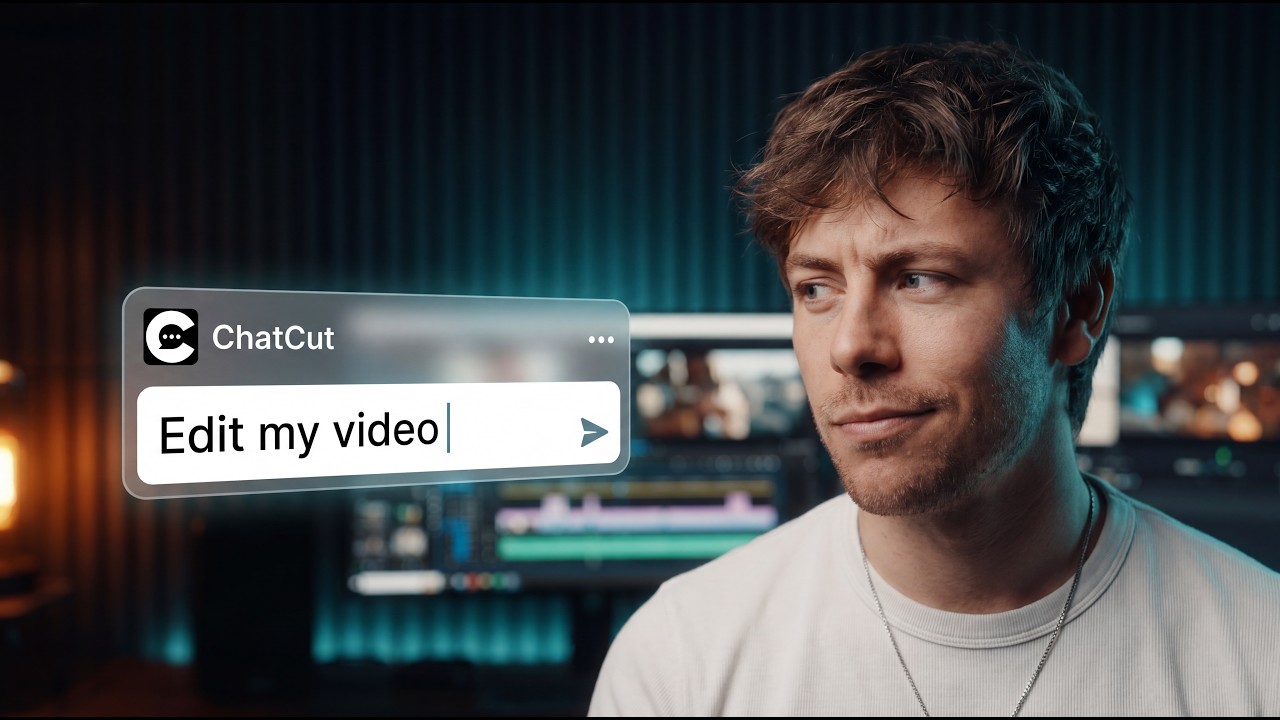
Autopod switches cameras in Premiere without adding graphics; ChatCut cuts active speakers and layers editable callouts in one timeline.
Try Editorial ExplainerAutopod rough-cuts podcasts in Premiere. ChatCut finishes the whole video with AI.
Or copy this prompt into Grok Bot
Paste the prompt below into any session on your desktop app
Autopod is a paid Premiere and Resolve plugin for multicam cuts, silence jump cuts and social crops. ChatCut edits, captions, grades and builds motion graphics in one AI timeline.
| Capability | ChatCut | Autopod |
|---|---|---|
| AI-native editing | ||
| Describe the edit, AI makes it | Yes — Any edit, on the timeline | Partly — Three fixed plugin panels |
| Motion graphics from a prompt | Yes — Editable layers | No — Watermarks and endpages only |
| Standalone video editor included | Yes — Mac, Windows and web | No — Needs Premiere or Resolve |
| Long video to shorts | Yes — AI finds highlights | Partly — Manual in and out points |
| Remove spoken filler words | Yes — From the transcript | Partly — Decibel silence cuts only |
| Single-speaker or single-mic multicam | Yes — Syncs and cuts any setup | No — Needs separate mic tracks |
| Your AI runs the editor | ||
| Claude Code edits for you | Yes | No |
| Codex edits for you | Yes | No |
| Any MCP agent | Yes — Antigravity, WorkBuddy… | No |
| Desktop app open to your AI | Yes — Local MCP | No — Premiere and Resolve panels |
| Free in ChatCut, paid in Autopod | ||
| The editor and multicam sync | Yes — Free plan | Paid: $29/mo — After a 30-day trial |
| Remove silences and pauses | Yes — Free from the transcript | Paid: $29/mo — Jump Cut Editor |
| Resize clips for social | Yes — Free editor | Paid: $29/mo — Social Clip Creator |
| Both do it | ||
| Auto-cut multicam podcasts by speaker | Both | |
| Remove silent pauses | Both | |
| 16:9, 4:5 and 9:16 clips | Both | |
| Premiere Pro timeline workflow | Both | |
| DaVinci Resolve timeline workflow | Both | |
| Mac and Windows | Both | |
Autopod details from its own pages, checked : Autopod features and plugins · Autopod pricing and FAQ · Autopod for DaVinci Resolve · Autopod Mac and NLE installers
Instead of paying for a Premiere or Resolve extension that only switches angles and trims silence, cut, caption and package the entire episode on ChatCut's timeline.
Autopod switches cameras in Premiere without adding graphics; ChatCut cuts active speakers and layers editable callouts in one timeline.
Try Editorial ExplainerAutopod's Jump Cut Editor only slices decibel silence; ChatCut transcribes speech to cut filler words, pauses and retakes.
Try Speech CleanupAutopod's Social Clip Creator needs manual in and out points; ChatCut finds highlights, reframes to 9:16 and styles captions.
Try Add captionsAutopod has no transcription, translation or voice tools; ChatCut generates bilingual captions, translated voiceovers and lip sync.
Try Video TranslationAutopod only runs inside Premiere or Resolve panels; ChatCut Desktop connects your local timeline to Claude Code, Codex and any MCP agent.
Cut a multicam podcast episode
Read chatcut.io/desktop to install ChatCut, then sync my podcast camera angles and mic tracks, switch cameras on the active speaker, cut filler words and export a Premiere XML timeline.
Pull vertical social clips
Read chatcut.io/desktop to install ChatCut, then find the three best moments in my podcast episode, reframe them to 9:16 with animated captions and batch-export 4K MP4s.
Start from a reusable recipe for speech cleanup, kinetic captions, editorial graphics or multilingual dubbing, then export a video or an XML timeline.
Yes, if you want a standalone AI video editor—or want Claude Code and Codex to run your edits—without paying $29/month on top of Premiere Pro or DaVinci Resolve Studio. ChatCut syncs and cuts multicam podcasts, removes spoken filler words and silences from the transcript, adds kinetic captions and editable motion graphics, and exports free Premiere or DaVinci XML timelines. If your workflow is strictly inside Premiere Pro with up to 10 cameras and 10 separate mic tracks and you only want a panel for camera switching and decibel jump cuts, Autopod is built specifically for that.
No. Autopod is a plug-in that costs $29/month per computer after a 30-day free trial and requires Adobe Premiere Pro 2023+ or DaVinci Resolve (Resolve Studio, or Free Resolve 19.0.3 or earlier). ChatCut includes a standalone desktop and web editor with a permanent Free plan and exports XML timelines when you want to finish in Premiere or DaVinci.
Autopod's Jump Cut Editor cuts silent pauses using a decibel threshold rather than transcribing speech to remove filler words or retakes, and its Multi-Camera Editor does not support single-speaker or single-audio-track setups. ChatCut transcribes speech for free to cut filler words and pauses, generates animated captions and works on both solo talking-head and multicam recordings.
Yes. The Free plan includes the editor, uploads, transcription, captions and standard exports. AI generation and the built-in agent use credits, and AI video generation needs a paid plan.
See ChatCut pricingYes. The ChatCut plugin runs in Claude Code and the Codex app, and ChatCut Desktop connects Claude Code, Codex and other agents through a local MCP server. Your agent edits the real timeline, which you can keep adjusting by hand.
How the plugin worksYes. ChatCut exports XML timelines for Premiere Pro and DaVinci Resolve, and ChatCut Desktop also exports editable CapCut drafts. It does not export Final Cut Pro XML (FCPXML).
Export an XML timelineUnlock member features, models, and export allowances. Get more credits every month
Billed annually · $252
16% offBilled annually · $456
24% offBilled annually · $864
28% offBilled annually · $1692
30% off$0No credit card required
Some features are completely free in Codex, Claude, and WorkBuddy. Learn More
| Credits per month | Monthly | Annual |
|---|---|---|
| Starter · 100 credits / month | $25/month Billed monthly | $21/month $252 · Billed annually |
| Plus · 200 credits / month | $48/month Billed monthly | $38/month $456 · Billed annually |
| Pro · 400 credits / month | $92/month Billed monthly | $72/month $864 · Billed annually |
| Max · 800 credits / month | $180/month Billed monthly | $141/month $1692 · Billed annually |
| Max · 1,200 credits / month | $270/month Billed monthly | $211/month $2532 · Billed annually |
| Max · 2,000 credits / month | $450/month Billed monthly | $351/month $4212 · Billed annually |