The best AI voice generator for most people in 2026 is ElevenLabs: it has the most expressive voices, and commercial use plus instant cloning of your own voice start on a $6 plan. If your team produces training modules and slide voiceovers, look at Murf AI or WellSaid; if you are building TTS into an app, Azure AI Speech and Google Cloud Text-to-Speech give you a free monthly character quota. If you already have the video and just need narration that sits under the right shots, ChatCut generates it on the timeline.
Key Takeaways
- Free usually means “try”, not “publish”. ElevenLabs, Speechify Studio and Fish Audio free plans either leave out a commercial license or say personal use only, and Murf’s free trial has no downloads at all.
- Cloning your own voice is cheap; cloning someone else’s is gated. Instant clones start at $5–$6 a month (Cartesia, ElevenLabs), but every tool here that documents its cloning rules requires the voice to be yours or used with explicit permission, and several make the speaker record a consent phrase.
- Pick by where the audio lands. A standalone MP3, an API call inside your product, and a line placed under a video shot are three different jobs with different winners.
- Several familiar names are gone. PlayHT and LOVO did not load when we checked, and Resemble AI has stopped selling voice generation to new customers.
- Looking for cartoon, game or character voices rather than narration? Our AI character voice generator guide covers that lane separately.
Disclosure: ChatCut makes one of the tools on this list (#10). We scored every tool on the same criteria, checked each one against its official docs and pricing pages on November 18, 2026, and list the limits of our own product too.
Best AI Voice Generators at a Glance
| Tool | Best for | Platforms | Free-plan limits | Paid from (US) | Learning curve |
|---|---|---|---|---|---|
| ElevenLabs | Expressive narration, cloning your own voice | Web, iOS, Android, API | 10k credits/mo; no commercial license | $6/mo (Starter) | Low |
| Murf AI | Training and slide voiceovers | Web, API | 10 min of generation; no downloads | $19/mo billed yearly | Low |
| WellSaid | Enterprise teams that need licensed actor voices | Web, API | No self-serve free plan | Sales quote | Low |
| Speechify Studio | Long scripts on a small yearly budget | Web, API | 600 credits (~10 min); no commercial rights | $100/yr | Low |
| Fish Audio | Verified pro clones on a budget | Web, API | 8k credits/mo, 500 characters per run; personal use | $15/mo ($11/mo yearly) | Low–medium |
| Cartesia | Real-time voice agents | Web playground, API | 20k credits/mo; no commercial license | $5/mo | Medium |
| Azure AI Speech | Enterprise apps, strict custom-voice controls | Portal, REST API, SDKs | 0.5M neural characters/mo | $15 per 1M characters | High |
| Google Cloud Text-to-Speech | Developers who want a large free quota | Console, REST/gRPC API | 1M Chirp 3 HD characters/mo | $30 per 1M (Chirp 3 HD) | High |
| Descript | Fixing words in recorded podcasts | macOS, Windows, Web | 60 media min/mo, 100 one-time AI credits, 720p | $16/mo billed yearly | Medium |
| ChatCut | Narration placed under each shot of a video | Web, macOS, Windows (x64), Agent Plugin | Free editor; narration uses credits | $25/mo (100 credits) | Low |
How We Chose and Tested These Tools
We started from the tools that keep showing up in 2026 voiceover searches and removed the ones a new customer can no longer buy. Then we judged each remaining tool on four things:
- Delivery: how natural the voices sound and how much control you get over pace, emphasis and pronunciation.
- The real free plan: whether you can download the audio and use it commercially, not just how many characters you get.
- Cloning rules: which plan unlocks a custom voice, and what the tool does to confirm the speaker agreed.
- Where the audio goes next: a file, an API response, or a track on a video timeline.
What we actually did: on November 18, 2026 we wrote a 20-second, three-shot English narration (225 characters), generated it in ChatCut with three preset voices, placed each line under its shot and exported the result. We did not run paid tests on the other nine tools, so their entries are based on the official docs and pricing pages, checked on Nov 18, 2026. Prices change often; the links in each entry go to the page we read.
The 10 Best AI Voice Generators in 2026
1. ElevenLabs: best overall for expressive narration and voice cloning
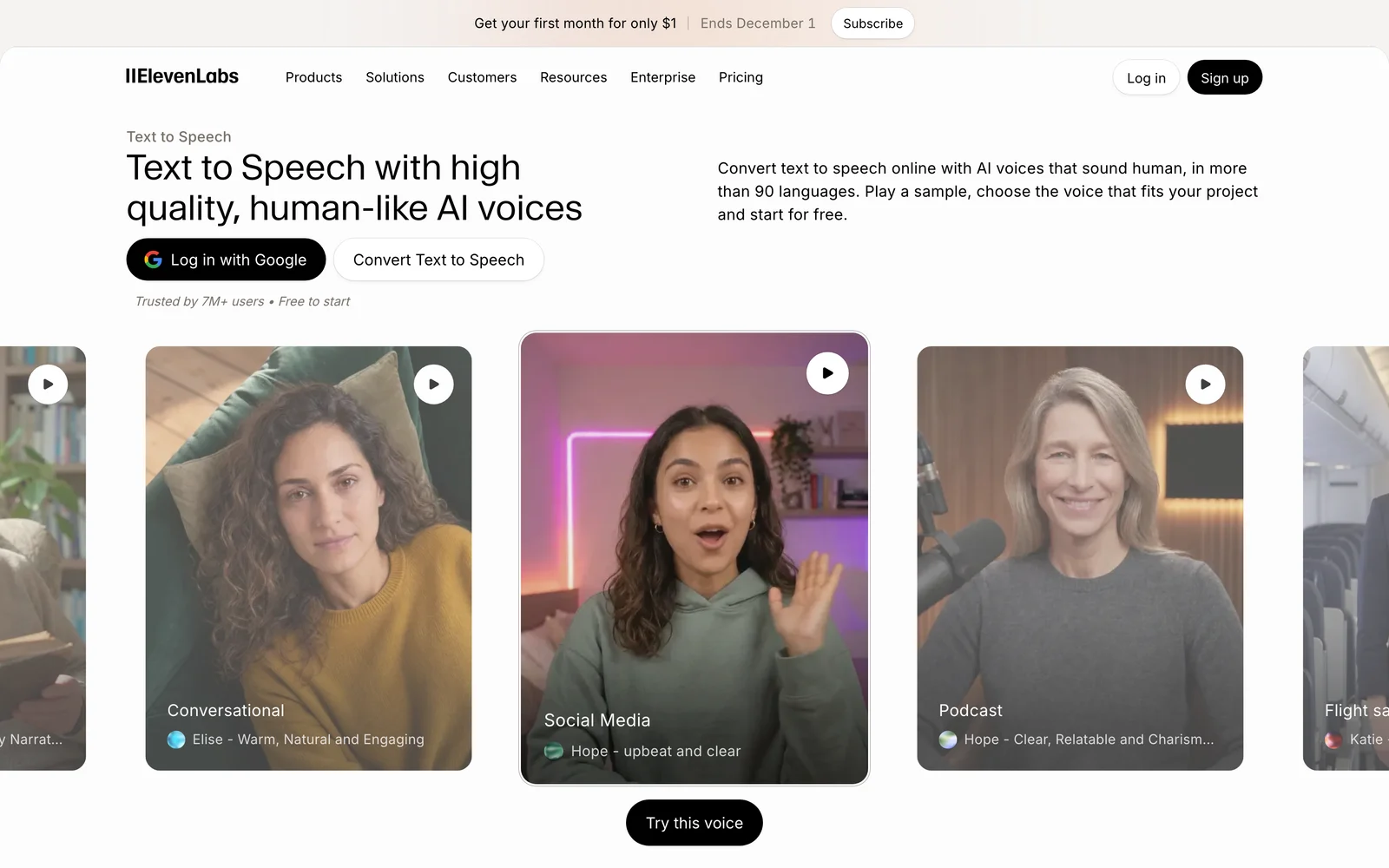
ElevenLabs is a voice platform with a large voice library, text to speech in the browser and mobile apps, and an API.
Best for: YouTubers, audiobook narrators and marketers who want the most natural delivery and a clone of their own voice.
What stands out:
- Commercial use and Instant Voice Cloning both start on the $6 Starter plan, which makes a cloned narration voice affordable for a solo creator.
- Professional Voice Cloning (Creator plan and up) adds a verification step: after uploading samples you record yourself again so ElevenLabs can confirm the voice is yours. The official docs say a professional clone can only be of your own voice.
Limits:
- The free plan’s 10k monthly credits come without a commercial license, so free output is for testing.
- Free and Starter include no Professional Voice Clone slots; you need Creator ($22/month) for one.
Pricing: Free; Starter $6/month (shown with a $1 first month on Nov 18), Creator $22/month, cheaper with yearly billing. See ElevenLabs pricing.
Skip it if: you need audio placed against video shots, or your legal team wants voices sourced from paid, contracted actors.
2. Murf AI: best for training and slide voiceovers
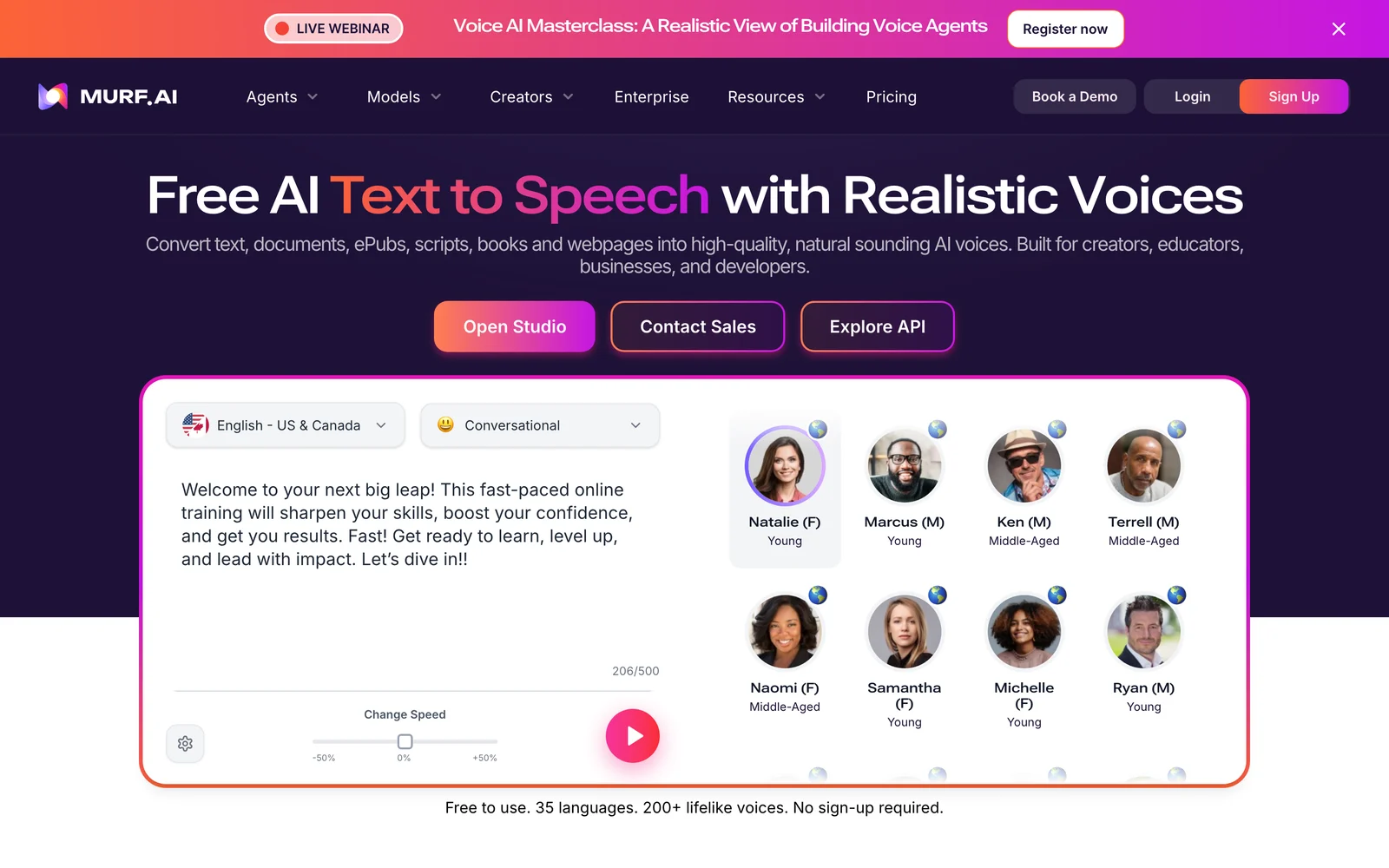
Murf AI is a browser studio for scripted voiceovers, with an API for developers.
Best for: L&D teams, presenters and small businesses turning slide decks and explainer scripts into narration.
What stands out:
- The studio works from imported scripts inside projects, which suits course modules that get updated line by line.
- Murf says paid plans add enterprise-grade security, priority support, AI translation and voice cloning; on its pricing page, cloning is listed as an Enterprise add-on.
Limits:
- The free trial gives you 10 minutes of voice generation but, per Murf’s help center, “No downloads included”. You can preview and share, not export.
- Voice cloning is a sales conversation rather than a self-serve feature.
Pricing: Free trial; Creator from $19/month and Business from $66/month, both billed yearly, according to Murf’s text to speech page. Check the pricing page for monthly billing.
Skip it if: you want to try the output in your edit before paying, or you need a self-serve clone of your own voice.
3. WellSaid: best for teams that need actor-licensed voices
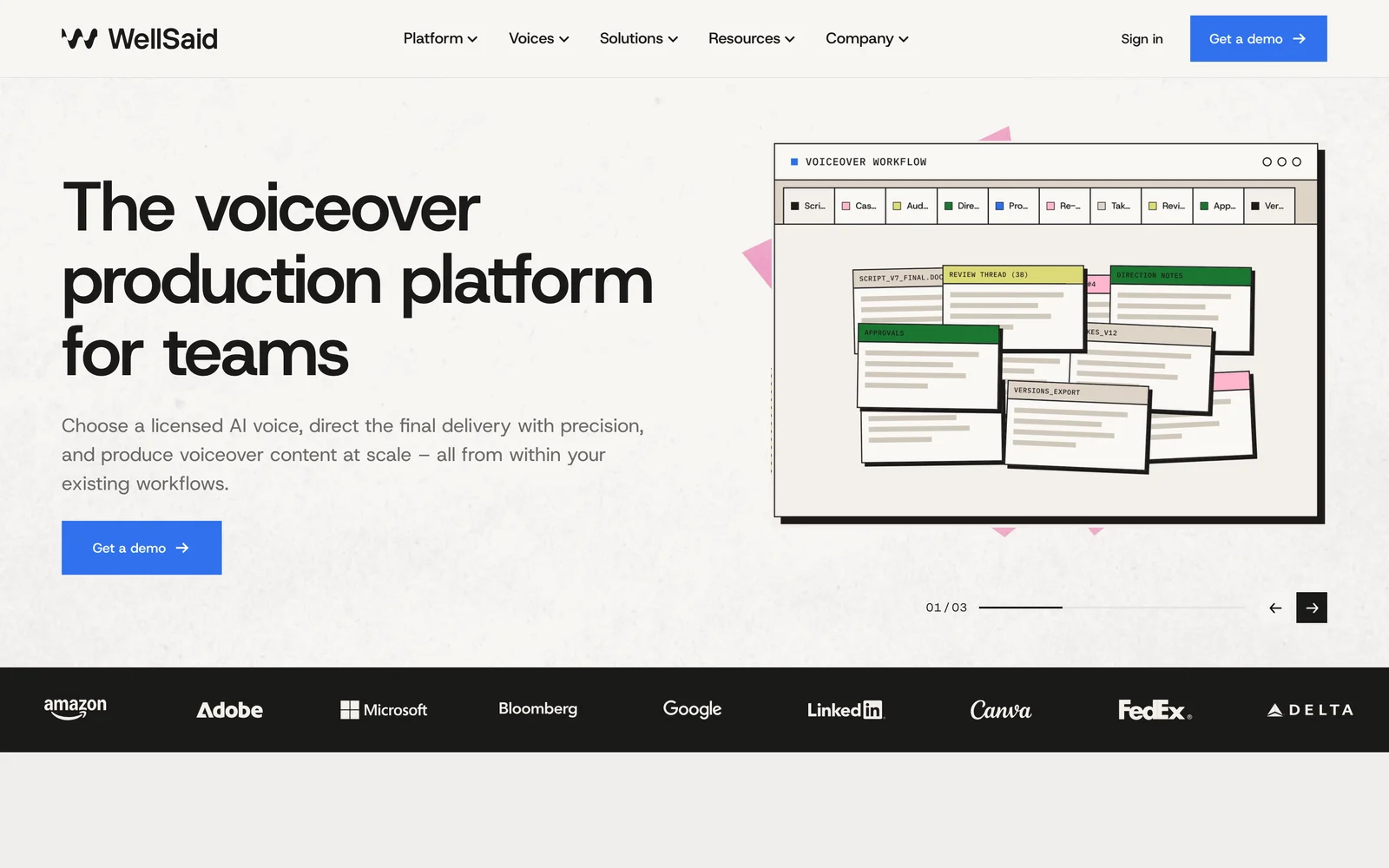
WellSaid is a voiceover production platform for teams, built on licensed voices recorded by professional voice actors.
Best for: corporate training, product and brand teams whose legal reviewers ask where each voice came from.
What stands out:
- According to WellSaid, every commercial voice comes from a professional actor who gave consent and is paid when their voice is used.
- Audio is generated natively at 48 kHz, and projects stay editable so you can change one line without re-recording the rest.
Limits:
- There is no self-serve free plan or public price list; you book a demo and get a quote.
- It is aimed at teams, so it is more than a solo creator usually needs.
Pricing: Scoped with sales via wellsaid.io.
Skip it if: you want to sign up and generate a clip today, or you are working on a hobby budget.
4. Speechify Studio: best for long scripts on a yearly budget
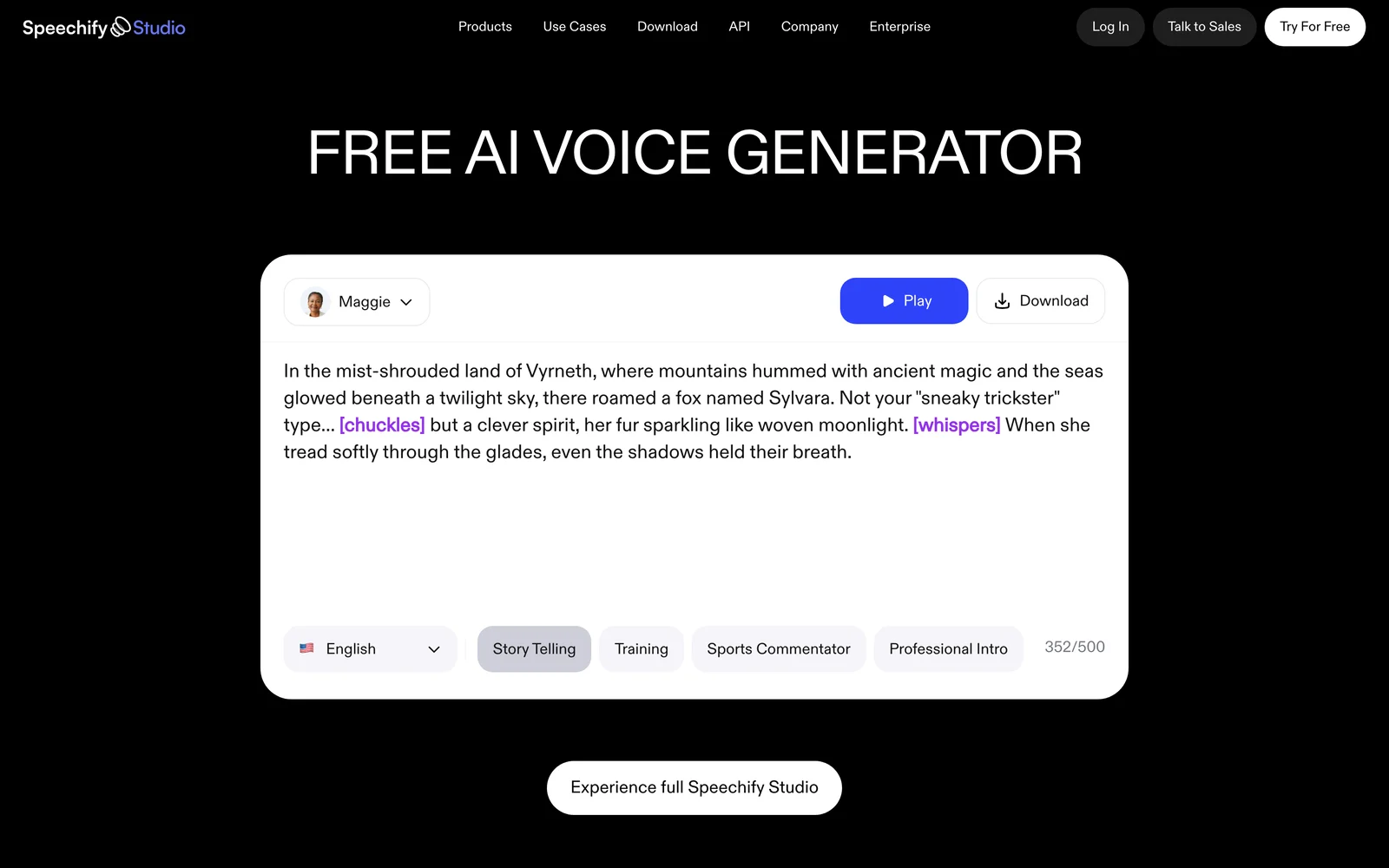
Speechify Studio is the creation side of Speechify (separate from its reading app), covering voiceovers, dubbing and an API.
Best for: creators and educators who narrate long scripts and prefer one yearly payment.
What stands out:
- Studio Starter is $100 a year for 86,400 credits. At 1 credit per second of voiceover, that is about 24 hours of narration, with commercial rights.
- Its developer API makes the speaker prove consent before a clone exists: the speaker reads a phrase with their name and a code, and the recording is kept as the consent record. The old checkbox-style flow was switched off on September 23, 2026, per the API docs.
Limits:
- The free plan’s 600 credits (about 10 minutes) carry “No commercial usage rights”.
- Only yearly prices are listed on the Studio pricing page, and it does not list voice cloning in the Studio plans.
Pricing: Free; Studio Starter $100/year; Studio Creator $300/year.
Skip it if: you want month-to-month billing or a self-serve clone in the studio.
5. Fish Audio: best for affordable verified pro clones
Fish Audio is a TTS and voice-cloning platform with public and private voice slots and an API.
Best for: creators who want a professional clone of their own voice without an enterprise contract.
What stands out:
- Plus ($15/month, or $11/month yearly) includes 250,000 credits, about 200 minutes, commercial use and one Professional Voice Clone slot.
- A professional clone trains on 10 to 180 minutes of your audio and will not finish until the voice owner verifies it with a live recording, per Fish Audio’s guide.
Limits:
- Free is capped at 8,000 credits a month and 500 characters per generation. The plan page lists commercial use in the feature grid but its FAQ says free output is personal and non-commercial; treat it as non-commercial.
- The free plan has no professional clone slots.
Pricing: Free; Plus $15/month; Pro $100/month ($75/month yearly).
Skip it if: you only need stock voices and never plan to clone.
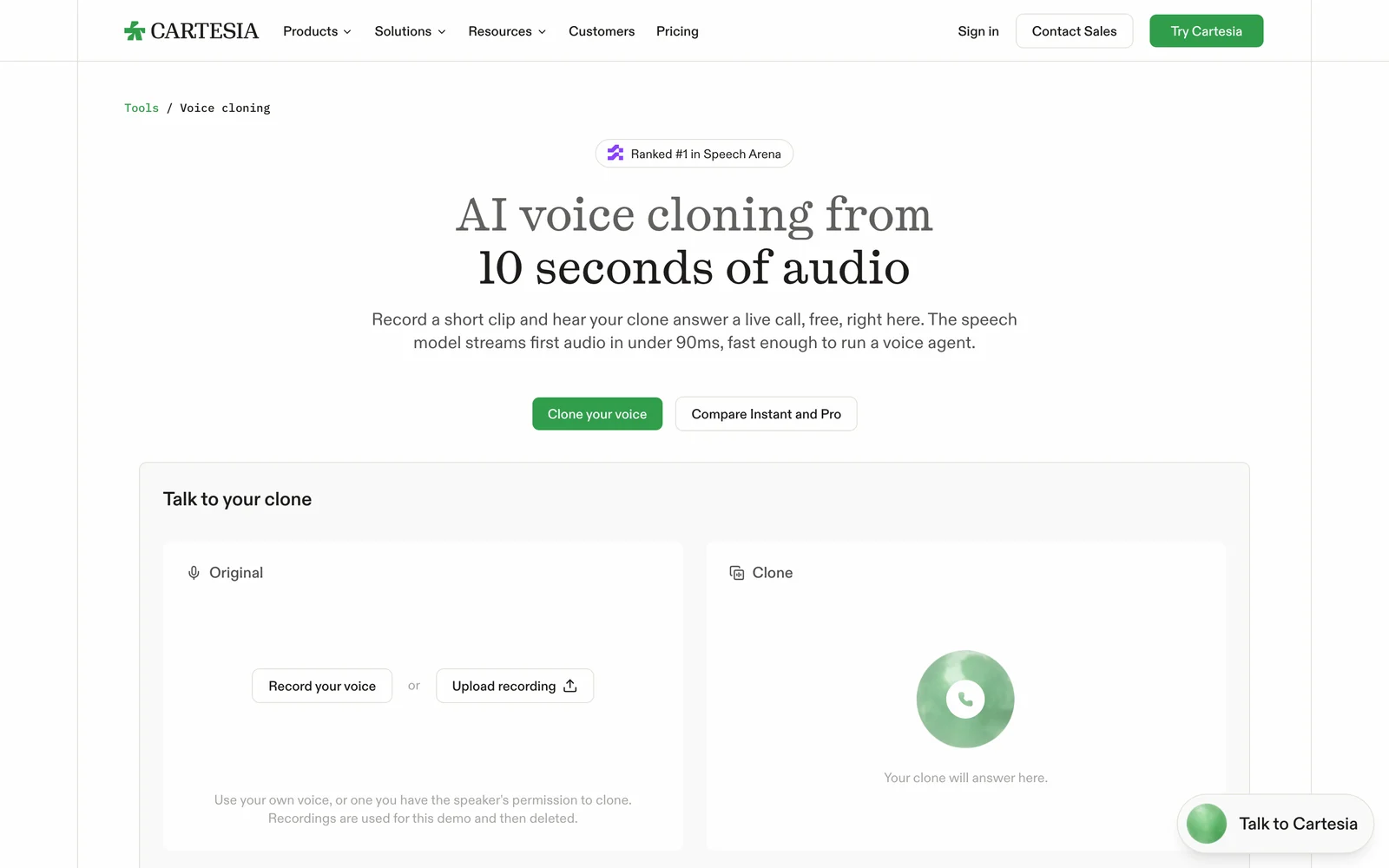
6. Cartesia: best for real-time voice agents
Cartesia makes the Sonic text to speech models, aimed at low-latency voice agents, with a web playground and API.
Best for: developers building phone agents, assistants or games where speech has to start almost immediately.
What stands out:
- The $5 Pro plan includes a commercial use license, instant voice cloning and 100K credits; Sonic TTS bills 1 credit per character.
- The voice-cloning page is direct about consent: clone only your own voice or one you have explicit permission for, and “your plan does not give you permission to use someone else’s voice.”
Limits:
- The free plan’s 20K monthly credits come without a commercial license or saved clones.
- It is API-first; there is no timeline or script editor for long-form narration.
Pricing: Free; Pro $5/month; Startup $49/month with professional clones. See Cartesia pricing.
Skip it if: you are a video creator who wants a studio interface rather than an API.
7. Azure AI Speech: best for enterprise apps with a free monthly quota
Azure AI Speech is Microsoft’s speech service, with prebuilt neural voices and a tightly controlled custom-voice program.
Best for: enterprise developers already on Azure who need TTS inside products, IVR or accessibility features.
What stands out:
- The free F0 tier covers 0.5 million neural characters a month; after that, prebuilt neural voices cost $15 per million characters (Azure pricing).
- Custom voice is Limited Access: you apply through an intake form, and before training you upload the voice talent reading a consent statement (Microsoft Learn).
Limits:
- You work through a cloud portal, SSML and SDKs; there is no creator-style studio.
- Custom voices add training (about $52 per compute hour) and hosting (about $4 per model per hour) on top of $24 per million characters, per Azure’s retail price list.
Pricing: Free tier, then pay as you go.
Skip it if: you just need a voiceover file for one video.
8. Google Cloud Text-to-Speech: best for developers who want a large free quota
Google Cloud Text-to-Speech serves Chirp 3 HD, Neural2, WaveNet and Standard voices through an API.
Best for: developers who want many languages and a generous free tier for prototypes.
What stands out:
- Each month you get 1 million free Chirp 3 HD characters, 1 million Neural2 characters, and 4 million WaveNet or Standard characters (Google Cloud pricing).
- After the free tier, Standard and WaveNet cost $4 per million characters, so bulk, plain-sounding audio is cheap.
Limits:
- Instant custom voice has no free tier and costs $60 per million characters.
- Like Azure, it is a developer service: no script editor, and you handle files and timing yourself.
Pricing: Free monthly quota; Chirp 3 HD $30 per million characters after that.
Skip it if: you are not comfortable working with a cloud console and API keys.
9. Descript: best for fixing words in recorded podcasts
Descript edits audio and video through a transcript, and its AI Speech feature can regenerate words in a cloned voice.
Best for: podcasters and YouTubers who recorded real takes and need to patch a misspoken word or add a line.
What stands out:
- Hobbyist ($16/month yearly, $24 monthly) includes “AI Speech with custom voice clones”, 400 AI credits a month and 1080p exports (Descript pricing).
- A clone needs a recorded consent statement from the speaker, in English even if you will generate other languages, and Descript will not clone a deceased or non-consenting person (help center).
Limits:
- The free plan has 60 media minutes a month, 100 one-time AI credits and 720p exports; once you pass the AI Speech limit, generated speech includes “jibber jabber”.
- It is built around transcripts of recordings, so pure text-to-speech from a blank script is not its strongest workflow.
Pricing: Free; Hobbyist $16/month yearly; Creator $24/month yearly.
Skip it if: you never record yourself and only need synthetic narration.
10. ChatCut: best for placing narration under each shot on a video timeline
ChatCut is an AI video editor (web, Desktop and an agent plugin) where you describe an edit and it changes a real multi-track timeline. Narration is one of those edits: it writes or reads your script and drops each line onto an audio track.
Best for: creators who already have the footage and want narration timed to the shots, not a loose MP3 to line up by hand.
What stands out:
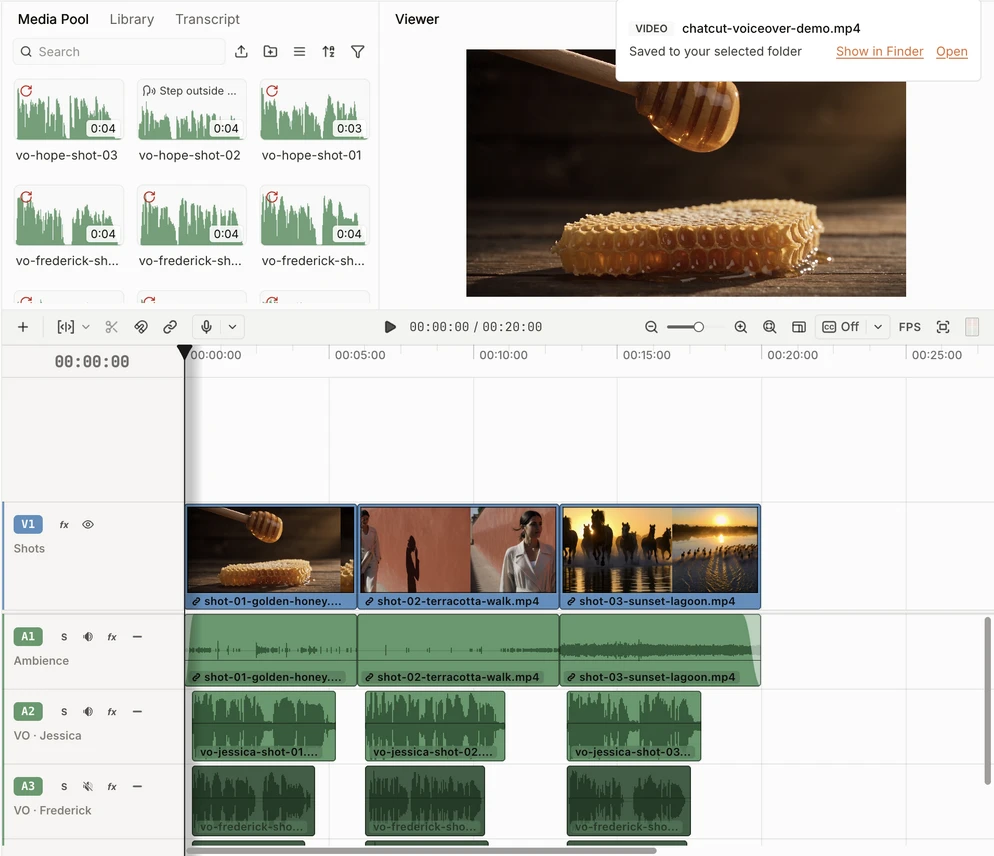
- In our test, three preset voices read the same 225-character script for three shots. Each of the nine lines was billed 0.08 credits, 0.72 credits in total (about $0.18 at the $0.25 credit face value), and all nine finished in under 30 seconds.
- The voices spoke the same script at very different speeds: 14.6 seconds for Jessica, 12.8 for Frederick, 12.4 for Hope. Because each line sat at the start of its own shot on separate tracks, switching voices was a mute toggle, and no shot had to be recut. The exported mix measured −14.9 LUFS.
Limits:
- Generating narration with a custom cloned voice from My Voices needs an active paid plan, and you may clone only your own voice or one you have explicit permission to use.
- Every narration request uses credits (0.80 per 1,000 characters, 0.96 for ElevenLabs voices); it needs an internet connection even in Desktop, and there is no Linux app.
- We counted 15 English preset voices in its library, far fewer than a dedicated voice platform offers, and it is not built for audiobooks or IVR systems.
Pricing: Free editor with a starting credit allowance; paid plans from $25/month for 100 credits or $252/year. See Free and Pro and credit rates.
Skip it if: your deliverable is audio only, or you need an API for an app.
Generating Voiceover Inside a Video Editor vs. a Standalone TTS Tool
Most AI voice generators hand you a file. That is exactly right for a podcast segment, an audiobook chapter or an IVR prompt, where the audio is the product. It gets awkward when the narration has to match pictures.
Our test shows why. The same three lines ran 14.6 seconds in one voice and 12.4 in another, a 2.1-second gap across 20 seconds of video. Export one long MP3 per voice and every voice change moves the cut points, so you nudge clips by hand or rewrite the script. Generating one line per shot, directly on the timeline, kept every line inside its shot window in all three voices. Listen to the same opening line in each:
A simple rule of thumb:
- Use a standalone generator when audio is the deliverable, when you need hundreds of voices or a specific accent, or when you are calling TTS from code.
- Generate inside the editor when you are narrating footage you already cut, when you expect to swap voices or rewrite lines, or when you want subtitles and music in the same project.
- Clone carefully either way. Clone your own voice, or get explicit permission from the speaker. Our voice cloning page and the voice library docs explain how a clone is recorded and when a paid plan is needed.
To try the in-editor route, the AI voiceover generator takes a script and a voice, and the AI voiceover docs list prompts for timing narration to a clip. The AI voiceover feature page shows more examples.
Also Considered
- Amazon Polly: AWS’s TTS service, priced at $4 per million characters for Standard voices, $16 for Neural and $30 for Generative, with a free tier (Polly pricing). A good choice inside AWS, but we already cover two cloud APIs above.
- Resemble AI: its CEO wrote in August 2026 that the company is “not selling voice AI to new customers” and is focusing on deepfake detection. Its open models, such as Chatterbox, remain free to build on.
- PlayHT: its team joined Meta in 2025, and play.ht did not load when we tried it on November 18, 2026. Older lists still recommend it.
- LOVO (Genny): lovo.ai returned an error page instead of the product when we checked on November 18, 2026.
How to Choose the Right AI Voice Generator
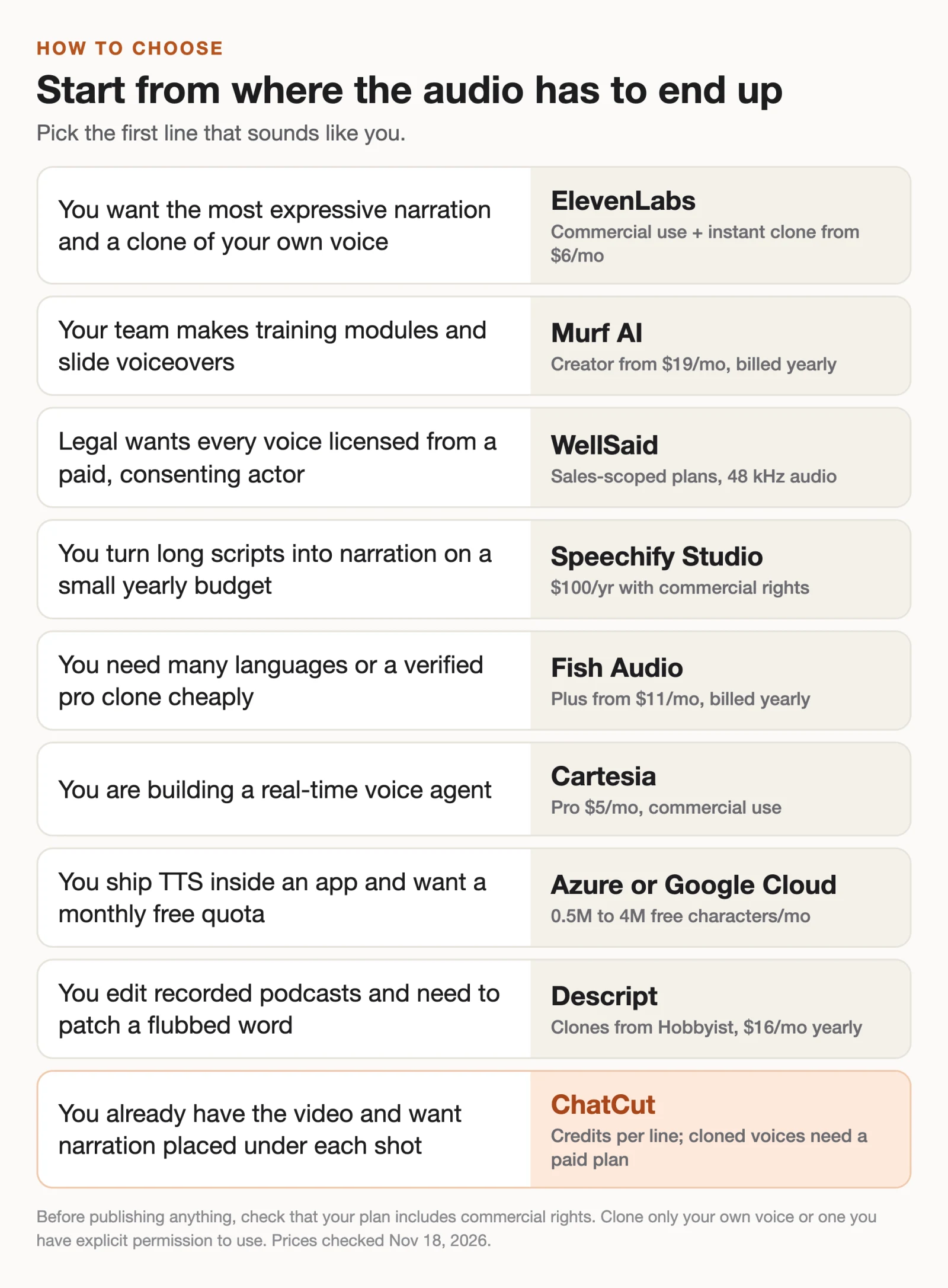
- If you want the most natural narration and a clone of your own voice, pick ElevenLabs.
- If you produce training courses or slide voiceovers as a team, pick Murf AI, or WellSaid if every voice must be actor-licensed.
- If you narrate long scripts and prefer one yearly bill, pick Speechify Studio.
- If you want a verified professional clone of your own voice on a small budget, pick Fish Audio.
- If you are building a voice agent or an app, pick Cartesia for low latency, or Azure and Google Cloud for free monthly quotas.
- If you edit recorded podcasts and need to fix a few words, pick Descript.
- If you already have the video and want each line under its shot, pick ChatCut.